To be honest, I loved Ubuntu. I’ve used it for a very long time and installed it on every new machine I owned. Back when I was switching from Windows, it was the first distro that everyone recommended to me—and for good reason too. Ubuntu was comfortable, reliable, and familiar.
My Journey With Ubuntu
As I told you, Ubuntu was my entry point into the Linux world. Like many users, I started there because it’s beginner-friendly, widely supported, and backed by a strong ecosystem.
In the early days, everything felt smooth. Installing apps was easy, the interface looked modern, and there was always a guide or forum thread to help when I got stuck.
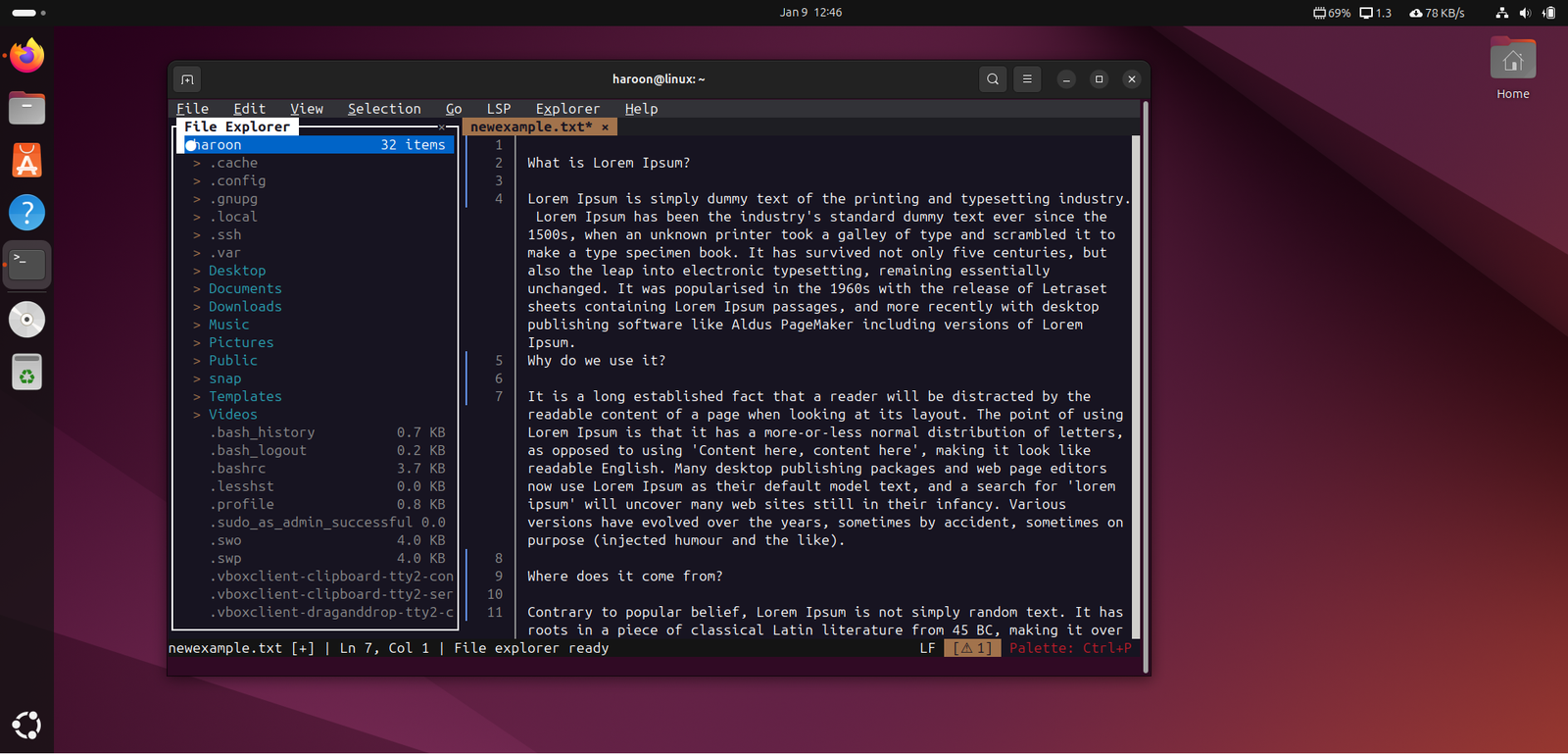
I also enjoyed exploring it, customizing themes, trying extensions, and learning terminal commands. It gave me control I never had on Windows.
But as time went on, my workflow changed, and I also learned a lot about different things. In my free time during weekdays, I started testing different distros and switched multiple times for testing and writing purposes, as I do a lot of writing related to Linux. But through all my testing, I never thought about switching from Ubuntu until I tried Linux Mint.
Why I am Switching to Linux Mint
On my slightly older hardware, Ubuntu began to feel heavier than it used to. Its GNOME desktop, while polished and modern, consumes more system resources. Linux Mint, on the other hand, feels lighter right out of the box. The Cinnamon desktop uses fewer resources, which translates into faster boot times, quicker app launches, and smoother multitasking. Even with multiple browser tabs, coding tools, and background apps running, the system feels responsive and stable.
Another major factor was Snap packages. Ubuntu has been pushing Snap aggressively, but in day-to-day use, they often feel slow and bloated. Apps take longer to launch, use more disk space, and clutter the system with loop devices. It’s not something you notice once, but it’s something you feel every single day.
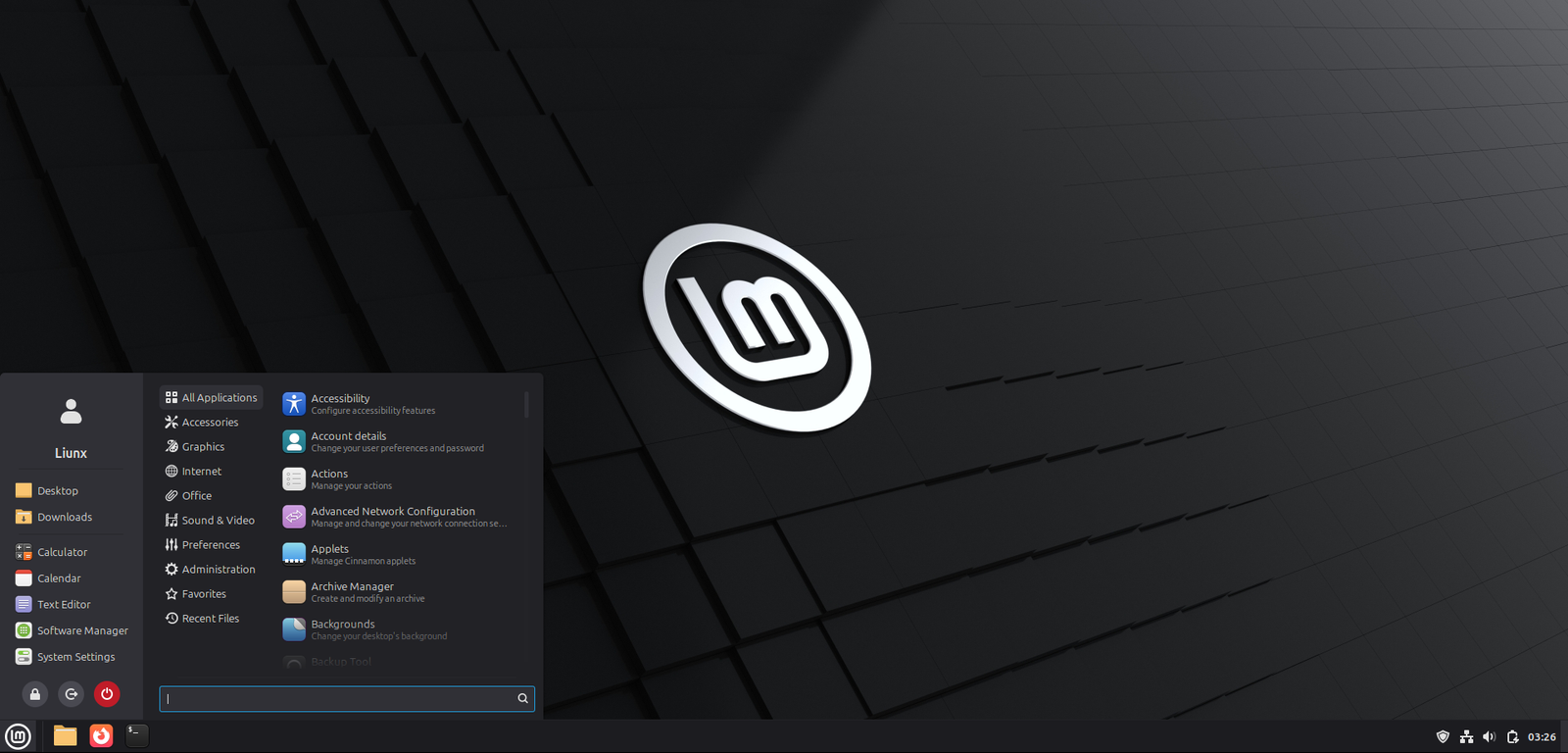
However, Linux Mint takes a different approach. It avoids Snap by default and focuses on traditional APT packages and Flatpak instead. Flatpak isn’t perfect, but in my experience, it performs better and feels more predictable. More importantly, Mint is transparent about this decision. The team clearly explains their reasoning, and that openness builds trust.
The desktop experience is another big reason for the switch. Cinnamon feels instantly familiar, especially if you’ve ever used Windows. There’s a traditional taskbar, a simple application menu, and straightforward navigation. Everything is where you expect it to be. There’s no need to install extensions or tweak the system just to get basic functionality.
With Ubuntu’s GNOME, I often found myself relying on extensions to recreate features that should already exist, like system trays or better window management.
Speaking of updates, Mint handles them in a way that feels far more respectful. Its Update Manager clearly categorizes updates and lets you decide what to install and when. There’s a sense of control and stability that I didn’t always feel with Ubuntu.
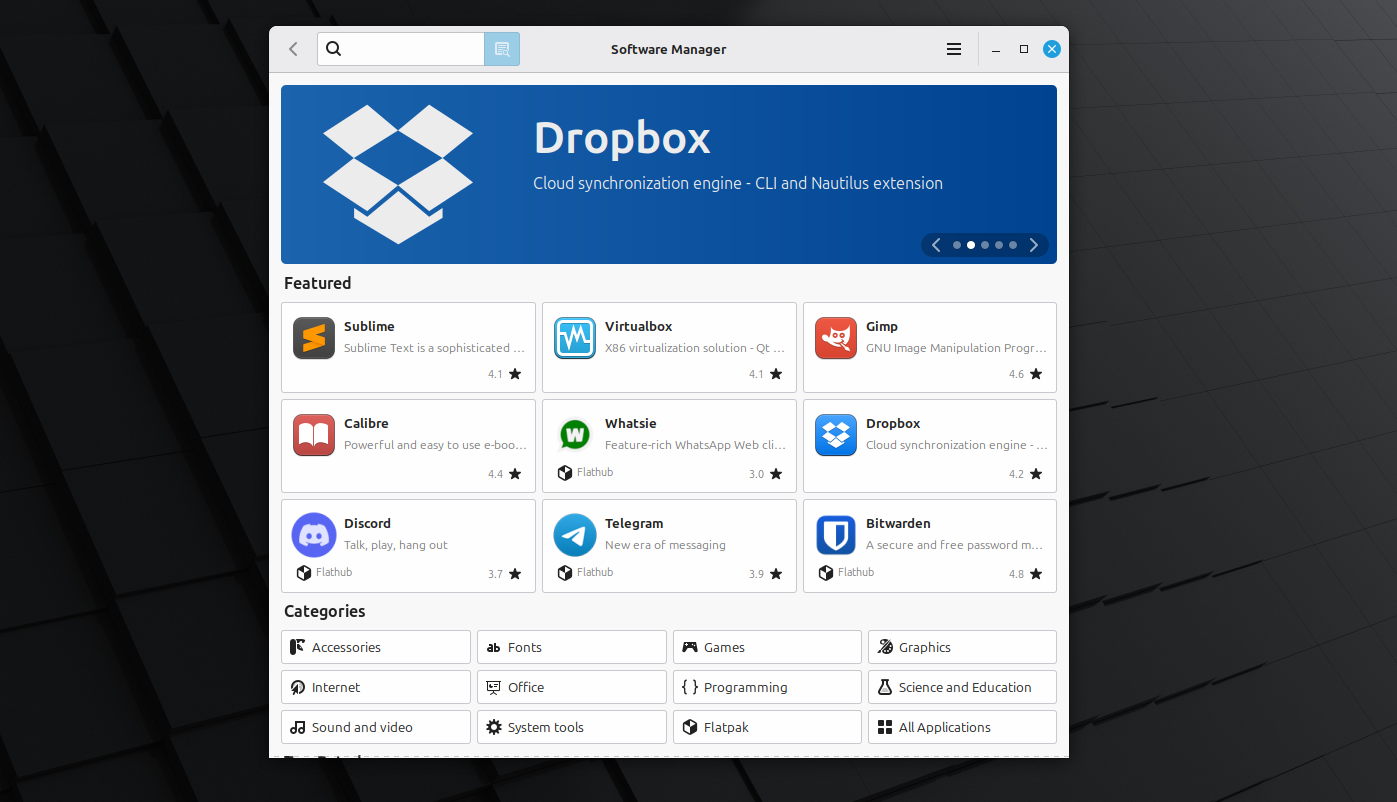
The software experience is cleaner too. Mint’s Software Manager is faster, more organized, and more transparent. You always know what you’re installing, whether it’s a Flatpak or a traditional package.
The First Impression of Linux Mint
After installing Linux Mint on my PC, the difference was immediately noticeable. The system booted much faster than I was used to, and applications launched almost instantly. It was clear right away that Mint is optimized for performance, even on older hardware, and that alone made the experience feel refreshing from the start.
Coming from a Windows background, I didn’t want to relearn how to use my own computer, and Linux Mint made that transition effortless. Everything was easy to find, and I didn’t have to spend time adjusting to a completely new workflow like I did with Ubuntu’s GNOME interface.
What really stood out was how complete the system felt right after installation. I didn’t need to install extra tools, extensions, or fixes to make it usable. Basic features were already in place, and everything, from Wi-Fi and audio to display settings, worked perfectly out of the box.
Further, instead of relying on third-party tools or tweaks, all personalization options are built directly into the system settings. Changing themes, icons, or overall appearance was simple and didn’t affect performance. It gave me the flexibility to make the desktop my own without adding unnecessary complexity.
The software experience also felt much cleaner and more flexible. Linux Mint uses Ubuntu’s strong package base but gives users more control over how they install applications. With both the APT package manager and a well-designed Software Manager, I could choose between using the terminal or a graphical interface. More importantly, I wasn’t forced to use Snap packages, which made the system feel faster and more predictable overall.
Final thoughts
The debate between the Linux Mint and Ubuntu two has been around for years, and honestly, both are solid choices. Ubuntu remains a powerful and capable distribution, especially for users who prefer a more modern interface or need enterprise-level support.
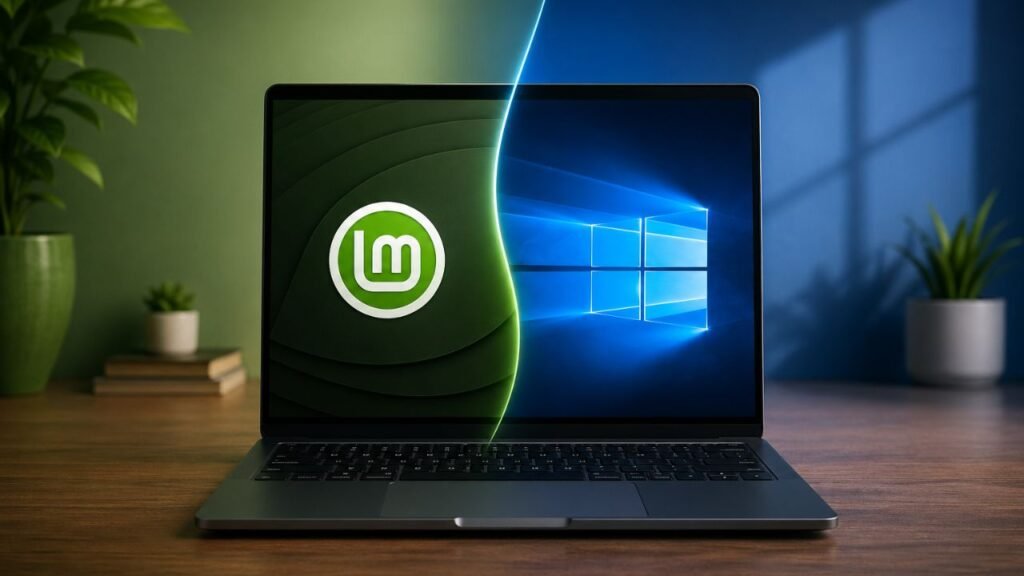
For me, though, the decision came down to experience. Over time, I realized I needed something more intuitive, efficient, and better suited for my workflow, especially on slightly older hardware. Linux Mint delivered exactly that. Its Cinnamon desktop feels familiar and practical, its lighter resource usage keeps everything running smoothly, and its approach to software management gives me more control without unnecessary complexity.
That doesn’t mean Ubuntu is a bad choice. If you’re coming from Windows, both Ubuntu and Linux Mint are great starting points. And if you’re currently using Ubuntu but feel something is missing, it’s absolutely worth trying Mint, whether through a live USB or a dual-boot setup, to see how it fits your workflow.