If you’ve spent years using Windows, the idea of switching to Linux can feel a little intimidating at first. I get it. A lot of people hear Linux and immediately picture command lines, setup headaches, and a steep learning curve. That used to be my impression too back when I used Windows, whenever someone told me about Linux.
Throughout my Linux journey, I tried many distros, but when I started to spend real time with Linux Mint, honestly, it changed the way I think about Linux. Linux Mint feels familiar, calm, and practical. It does the job without constantly getting in your way. Also, if you have old hardware like mine with limited RAM or SSD, it boots fast, runs smoothly, and gives you a clean desktop that makes sense right away.
To be honest, many people want to switch from Windows 11 because of its heavy system demands, cluttered menus, forced updates, or privacy concerns, and most importantly, forced advertising and AI fluff.
In this blog, I share six reasons why I think Linux Mint is the best Windows 11 replacement. Let me be clear that I am not saying it is the right choice for everyone, but for a huge number of people, especially home users, students, and anyone who wants a reliable computer without the drama, it hits the sweet spot.
1. Linux Mint Feels More Like Windows
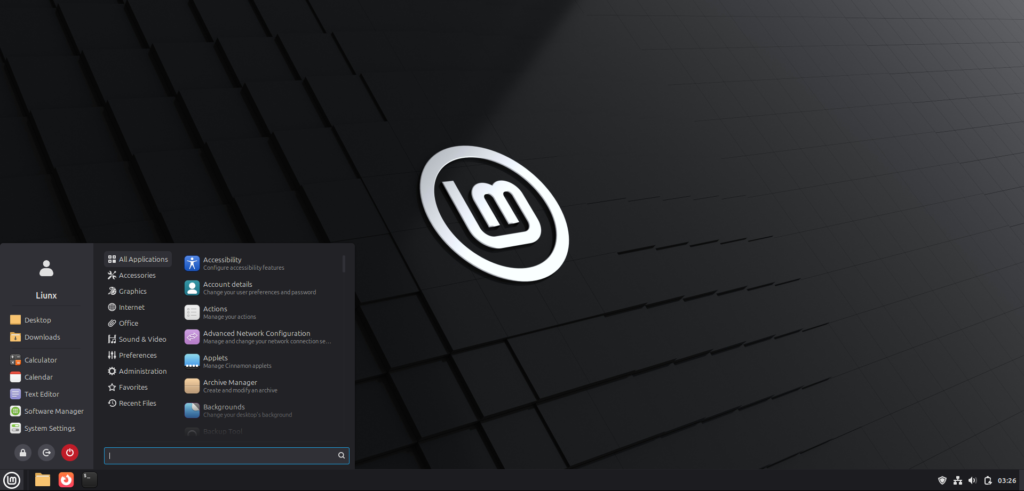
This is one of the biggest reasons for me, and also for many other new users, that Linux Mint is simple and feels familiar to Windows. When people move away from Windows, they usually do not want to relearn how to use a computer from scratch. They want something that looks comfortable, behaves logically, and lets them get things done without a manual nearby.
Linux Mint delivers exactly that. The Cinnamon desktop, which is the most popular version of Mint, has a layout that reminds many people of classic Windows. You get a taskbar at the bottom, a menu button, system tray icons, and a straightforward app launcher.
If you think that familiar distros with your previous operating system don’t matter, then you need to rethink that because it matters more than people think. In simple terms, familiarity lowers stress. When your computer behaves the way your brain expects it to behave, everything feels easier. You do not waste time hunting for basic settings or wondering where the shutdown button went. You click, you work, you move on.
2. Easy to Use and Stable
Linux Mint is designed to be simple, stable, and dependable. You can install it, update it, and keep using it without feeling like the system is constantly changing. Most everyday tasks can be done through the graphical interface, so you rarely need to use the terminal.
Mint also comes pre-installed with essential tools such as a web browser, office suite, media players, and basic image editors. It also handles most hardware drivers automatically during installation, including Wi-Fi and printers.
The system focuses on being a reliable desktop operating system rather than bundling ads, storefronts, or unnecessary services. Apps open smoothly, the desktop stays responsive, and updates are generally less disruptive compared to other operating systems.
Linux Mint is based on Ubuntu Long Term Support (LTS) releases, which prioritize tested and stable software. This means fewer crashes, long-term security updates, and consistent performance over several years. Updates are managed through a clear update tool that lets you choose when to install them, giving you full control over your system.
3. Software Manager With a Massive Catalog of Free Software (and Safer Than the Microsoft Store)
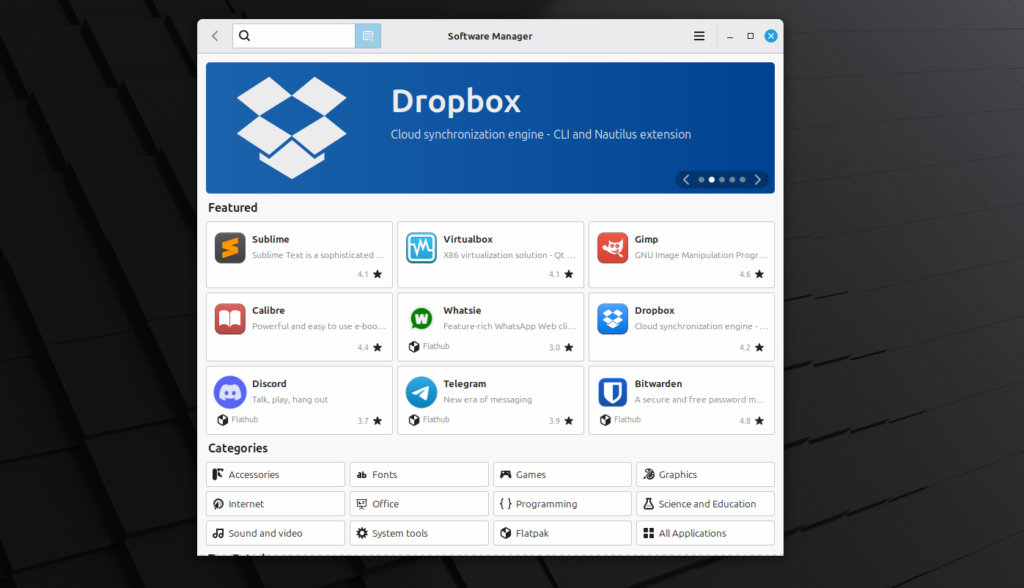
I loved the Linux Mint Software Manager. This built-in app store gives you access to thousands of free, open-source applications without needing command-line knowledge. You simply open the Software Manager, search for the app you want, and click Install.
For users switching from Windows, this removes the confusion of downloading programs from multiple websites or digging through menus. Most common software needs are covered, including office tools, media players, browsers, development tools, backup utilities, note apps, and creative software.
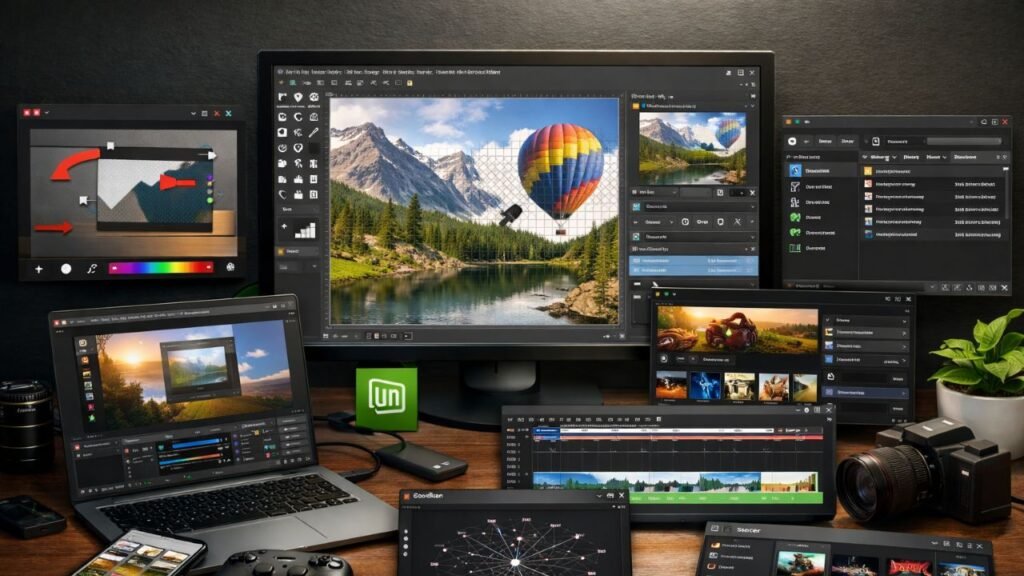
The catalog includes well-known tools such as LibreOffice for documents, VLC for media playback, Thunderbird for email, Audacity for audio editing, and browsers like Firefox or Chromium. Also, creative tools like GIMP or Krita can replace Photoshop for many users, while video editors like Kdenlive or DaVinci Resolve handle video editing tasks. Other than that, popular apps such as Spotify, Discord, Steam, and Zoom are also available.
However, if a Windows-only application does not have a native Linux version, there are still options. Tools like Wine or graphical wrappers such as Bottles allow many Windows programs to run on Linux. While compatibility varies, many common applications work surprisingly well. Still, it is usually recommended to try native Linux alternatives first whenever possible.
Another major advantage is safety. Software in Linux Mint comes from trusted repositories that are reviewed and maintained by the community. This greatly reduces the risk of downloading malware or fake programs, which is a common problem when installing software from random websites.
Updates are also easier to manage through separate Update Manager applications, which are separate from the Software Manager.
Further, to me, if I compare it to the Microsoft Store, which many users find cluttered or incomplete, Linux Mint’s Software Manager feels cleaner, more reliable, and better organized. It offers more freedom to choose between multiple applications for the same task, allowing you to pick tools that best fit your workflow.
4. Lighter Hardware Requirements
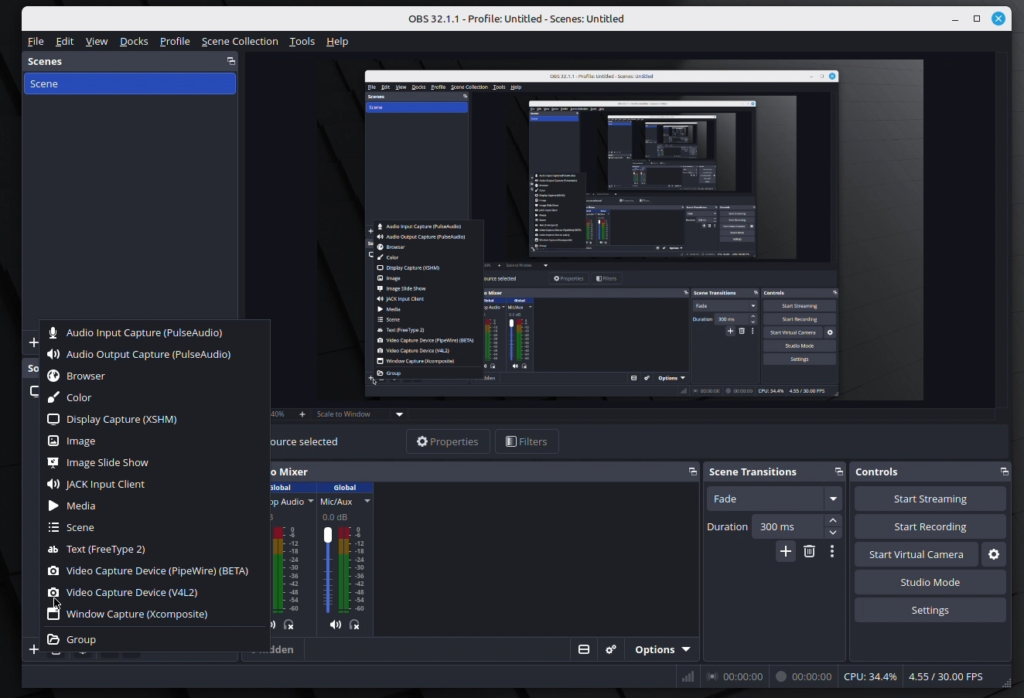
Another major advantage of Linux Mint is that it runs well on modest hardware. This matters more than ever because many older laptops and desktops still function perfectly but struggle with modern Windows versions.
Windows 11 requires relatively modern hardware, including newer processors, TPM 2.0 support, and more memory. These requirements leave many capable machines unsupported, pushing users to replace hardware that still has years of usable life.
Linux Mint takes a different approach. It is designed to use fewer system resources, allowing it to run smoothly on older and lower-spec computers. In many cases, systems with a 1 GHz processor, 2 GB of RAM (4 GB recommended), and about 20 GB of storage can run Mint comfortably. Even computers that are five to ten years old can deliver a responsive experience.
This efficiency often results in noticeable performance improvements. Computers that feel slow or bloated under Windows can become faster and more responsive with Linux Mint. Boot times improve, applications open more quickly, and the system feels lighter overall.
This makes Linux Mint an excellent option for extending the life of older hardware. Instead of replacing a computer just to meet software requirements, you can continue using existing devices for web browsing, office work, media playback, and light development tasks.
There is also a financial and environmental benefit. Reusing existing hardware saves money and reduces electronic waste. If you are a student, part of a family, part of a school, or anyone working with limited budgets, Linux Mint provides a practical way to keep computers useful without expensive upgrades.
5. Better Privacy and Less Noise
It’s not about Linux Mint specifically, but even if you ask someone who they trust more for their privacy—any Linux operating system or Windows, then the answer almost always will be Linux. Linux as a whole is known for privacy, and Linux Mint as an operating system gives me the feeling that I am using a tool, not being monitored by one.
Also, Windows 11 includes many built-in services such as telemetry, account prompts, cloud integrations, and product suggestions. Some Windows geeks may not mind these features, but I personally find them distracting and unnecessary. When I sit down at my computer, I want to focus on my work, not deal with constant prompts to sign in, sync, or enable extra services.
Linux Mint keeps things much quieter. There are no built-in ads, product suggestions, or aggressive notifications asking you to connect accounts. The system feels calm and focused, which makes everyday work more comfortable.
Further, privacy in Linux Mint is straightforward. The system does not require an online account to use your computer, and it does not collect telemetry in the way many commercial operating systems do. Your files and activity stay on your machine unless you choose to share them. That sense of control makes a noticeable difference, especially if you value keeping your data private.
For anyone who values privacy, control, and a distraction-free environment, this quieter approach is a significant advantage.
6. Customization Without the Mess
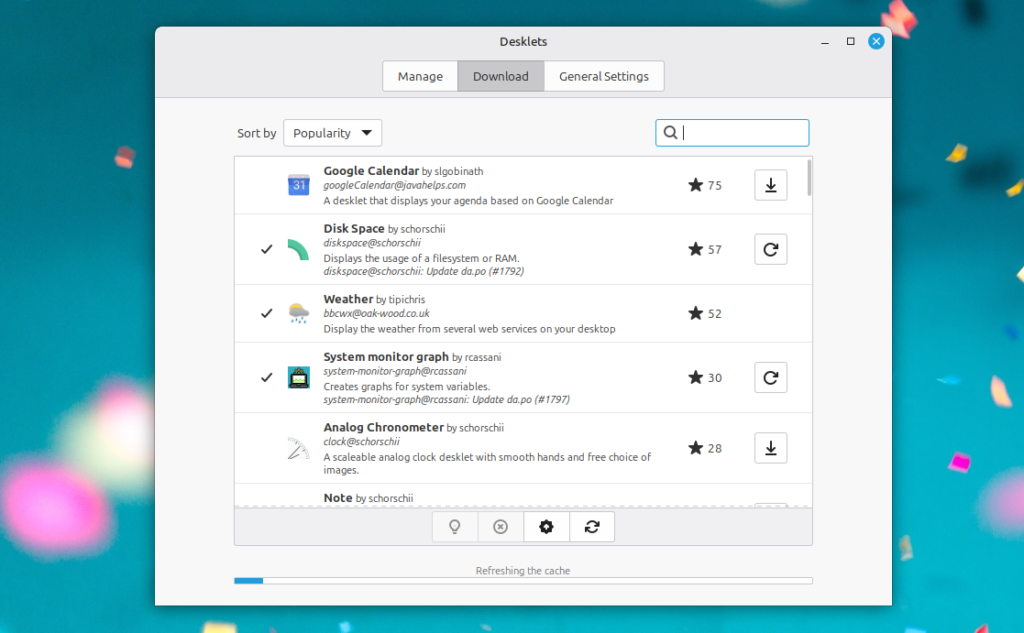
Linux Mint gives you a lot of freedom to customize your desktop without making setup complicated. You can easily change the panel position, menu style, themes, icons, wallpapers, and window layouts directly through graphical settings.
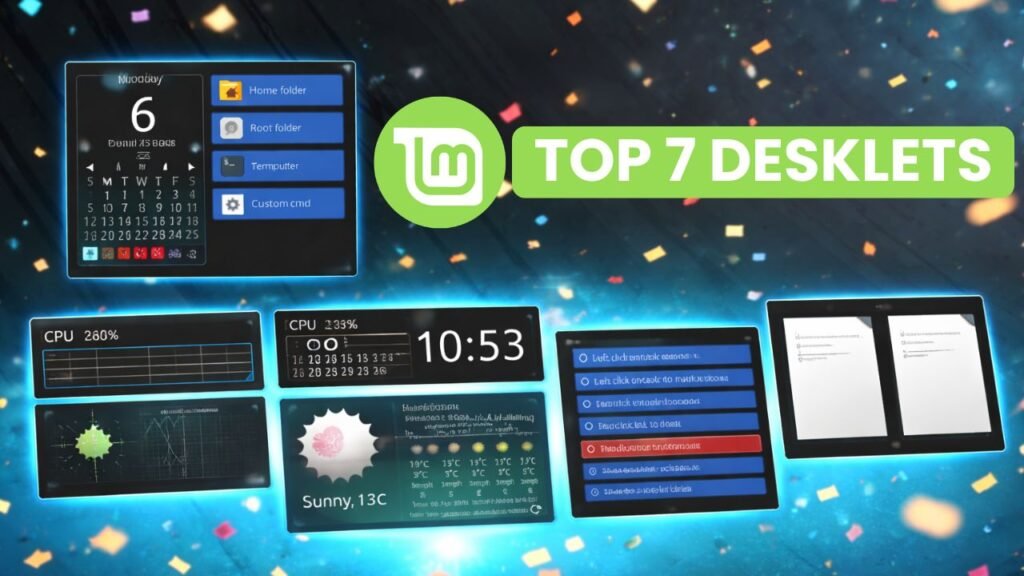
For example, you can move the taskbar to the top of the screen, switch window buttons to the left side, or apply different themes using the built-in Themes tool. You can also add applets to the panel or desklets to the desktop, such as clocks, notes, or weather widgets. These features allow you to shape the workspace around your habits instead of adjusting your workflow to the system.
Also, one underrated advantage of Linux Mint is its strong and supportive community. When something doesn’t work or you have a question, help is usually easy to find.
The Linux Mint forums are active and beginner-friendly, with many users willing to explain solutions clearly. Beyond the official forums, there is a large ecosystem of support resources, including community discussions, tutorials, documentation, and guides created over many years.
In my experience, this makes troubleshooting far less stressful. Most problems you encounter have already been solved by someone else, and clear instructions are usually available. That saves time and reduces frustration, especially for users who are new to Linux.
Final thoughts
For me, Linux Mint stands out because it gets the basics right. It does not try to be flashy for the sake of being flashy. It focuses on comfort, efficiency, and reliability. That is exactly what most people want from a desktop operating system.
Also, the best part is that if you are currently daily driving Windows, then you don’t need to switch immediately. Instead, you can try it completely risk-free. You can flash Linux Mint onto a USB drive and boot your computer directly from it without changing a single file on your current hard drive. This “Live USB” environment lets you test the Wi-Fi, play with the interface, and see the speed for yourself. Once you experience the clean, fast, and sensible environment that Linux Mint provides, you will likely never want to go back.